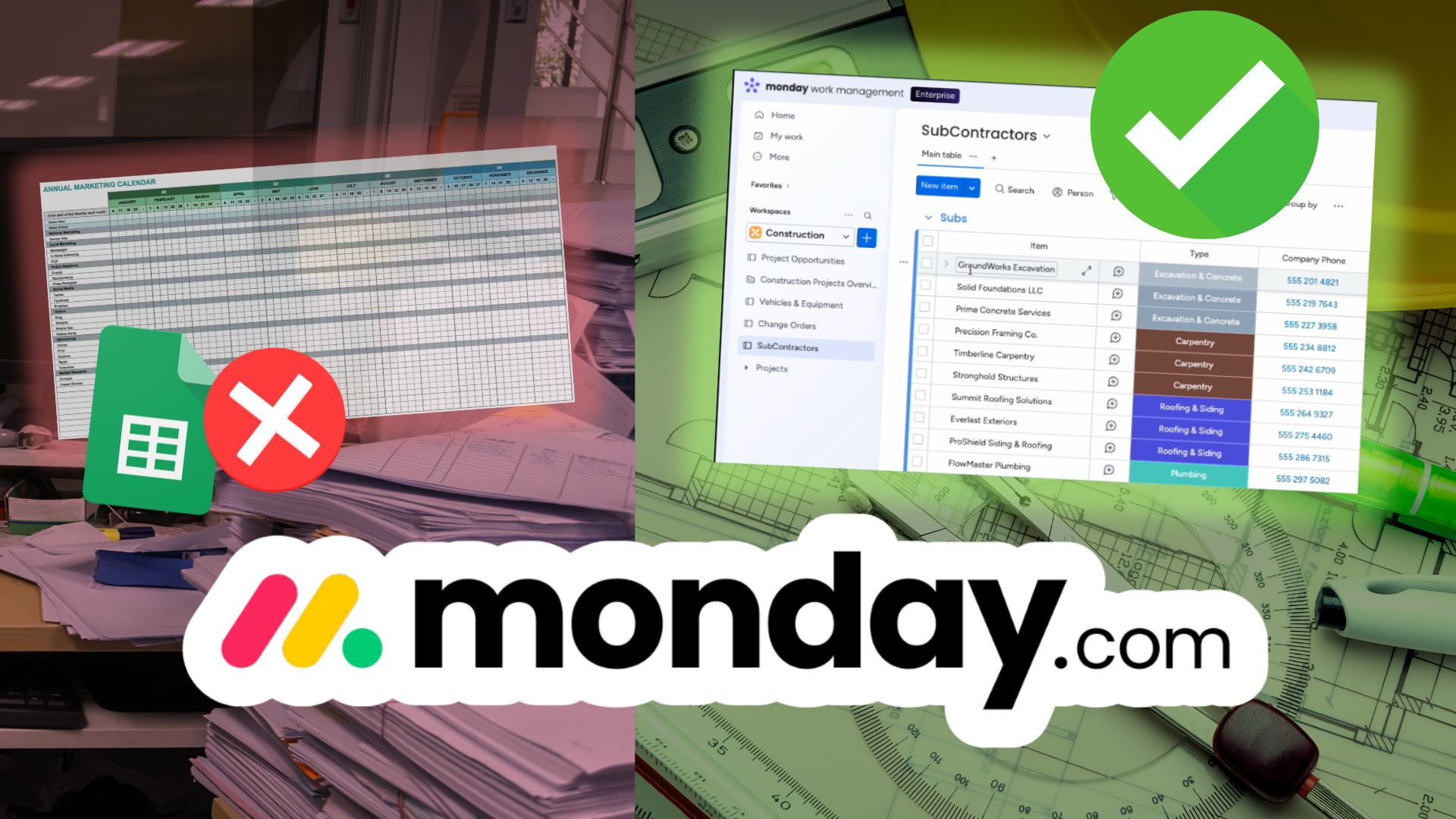

Running a construction company can feel like juggling chainsaws while someone keeps tossing in more. Crews get double booked, spreadsheets fall out of sync, and tiny scheduling mistakes balloon into expensive delays. The truth is that most of these issues come from one root cause: disconnected tools.
This guide breaks down a practical monday.com project management tutorial designed for construction companies. You will see how to connect sales, job onboarding, scheduling, subcontractors, equipment and templates into one clean and automated system. Less chaos. More clarity. Better margins.
Why Construction Teams Struggle With Workflow Chaos
Construction work is full of moving parts. Subcontractors jump between job sites, equipment gets pulled unexpectedly, and clients shift timelines with little warning. When everything is tracked across separate spreadsheets or apps, problems slip through the cracks.
A proper project management system should help you:
• Remove duplicated data entry
• Catch scheduling conflicts early
• Maintain visibility across every project
• Auto generate new project boards in seconds
• Sync teams, subcontractors and resources in real time
This is where Monday.com for construction has become a game changer. Instead of forcing your process to fit rigid software, Monday lets you build a workflow that matches how your company already operates.
If you are tired of old school contractor scheduling software and scattered documents, this walkthrough shows you a modern approach.
How To Manage Construction Work Inside Monday.com
Think of Monday as a construction command center. Every board connects. Every update flows to the right place. Your team finally sees the same information in real time.
Here are the core boards used in the system.
1. Sales CRM Pipeline
Using a monday.com CRM template, you track leads, proposals, project values and deal stages. When a deal becomes Won, automations instantly take over.
2. Construction Projects Overview
[PHOTO]
This board gives leadership and project managers a high level view of every running job. Budgets, timelines, progress and overall job health are visible at a glance.
3. Vehicles and Equipment
A centralized equipment tracker shows location, maintenance schedules and assigned job. No more guessing where tools or machinery are.
4. Subcontractors Directory
A live directory of subcontractors shows availability and current workload. This removes the uncertainty that often causes double booking.
5. Reusable Project Templates
Templates for New Builds, Bathroom Remodels or Kitchen Remodels allow your team to spin up entire projects instantly. No rebuilding schedules from scratch.
What Happens When a Deal Is Closed
Here is the part that makes Monday one of the strongest project management software options for construction.
A sales rep closes a bathroom remodel worth $30,000. Inside the CRM, they simply change the status from Proposal Sent to Won. That single click triggers:
- The client moving into the Won group
- A new job added to the Construction Projects Overview
- A complete project board created from your remodel template
Every task, phase and dependency is already built. Your operations team can schedule and assign immediately without touching a spreadsheet.
This single automation removes hours of manual setup every week.
The Real Problem: Scheduling Conflicts
One of the biggest hidden costs in construction is double booking subcontractors. Two PMs assign FlowMaster Plumbing to two jobs at the same time. Nobody notices until the day of the job, and suddenly timelines are pushed back, clients get frustrated and budgets are threatened.
Monday fixes this with linked tasks and dependencies.
When two tasks overlap, a simple hover shows:
• The other project
• The conflicting dates
• The subcontractor involved
Your team adjusts the schedule before the issue becomes a delay. This is what makes Monday a serious contender for the best project management software for construction teams.
A Before and After Snapshot
Before:
Manual project setup.
Scattered spreadsheets.
Subcontractors double booked.
Conflicts caught too late.
After:
Auto generated projects from templates.
One connected workflow.
Conflicts flagged early.
Smoother and more predictable operations.
This is the difference between reacting to problems and preventing them entirely.
Why Monday.com Is a Top Choice for Construction Teams
Many construction tools are outdated or overly rigid. Monday stands out because it adapts to your workflow instead of forcing changes you do not want.
You can customize:
• Templates
• Automations
• Timeline structures
• Views and dashboards
• Subcontractor and equipment databases
• Integrations with estimating and accounting platforms
Paired with the ability to automate construction workflow processes from end to end, it becomes one of the most flexible options for modern contractors.
Streamline Your Workflow With a Single System
Embedding your video here will give readers a complete visual walkthrough, supported by the detailed breakdown in this article. This combination is powerful for education and SEO.
If you want, I can also prepare a carousel, LinkedIn version, or a PDF guide to match this blog.